Thanks to Anirudh for getting me started on the right path!
Running Signal Desktop in a Debian VM on OpenBSD
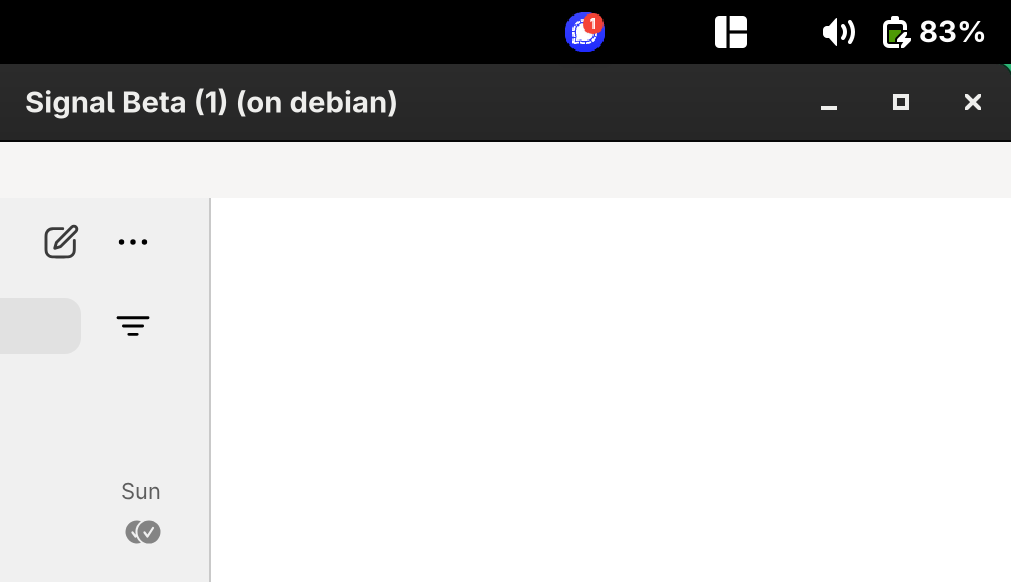
I wanted to get Signal Desktop running in a way that integrates smoothly with my OpenBSD host. Since Signal doesn’t have a native OpenBSD port, I spun up a Debian VM using vmm(4) and vmctl. Below are my notes for setting this up, including a few gotchas.
Step 1: Download Debian ISO
Start with the Bookworm Debian netinst ISO (I had issues with Trixie):
Step 2: Configure vmd Permissions
Allow your user account to control VMs by editing /etc/vm.conf:
| |
Step 3: Create Disk Image
| |
Step 4: Configure Networking
Edit /etc/pf.conf and add:
| |
Reload pf:
| |
Step 5: Boot and Install Debian
Start the VM:
| |
At boot, edit the installer line and replace quiet with:
| |
Install Debian with the usual defaults:
- Use the whole disk, single partition.
- Remove Gnome and only select SSH Server.
Reboot and update:
| |
Step 6: Install Basic Packages
| |
Enable sound:
| |
On the OpenBSD host:
| |
Step 7: Install Signal
Follow the Signal Beta instructions (I use Beta because it supports the app tray in Gnome):
Signal Beta Desktop Install Guide
Step 8: SSH Config
Add an entry to ~/.ssh/config:
| |
Copy your SSH key to enable autologin.
Step 9: Signal Launch Script
Create ~/.bin/signal.sh:
| |
Make it executable:
| |
Step 10: Autostart VM
Edit /etc/vm.conf:
| |
Restart vmd:
| |
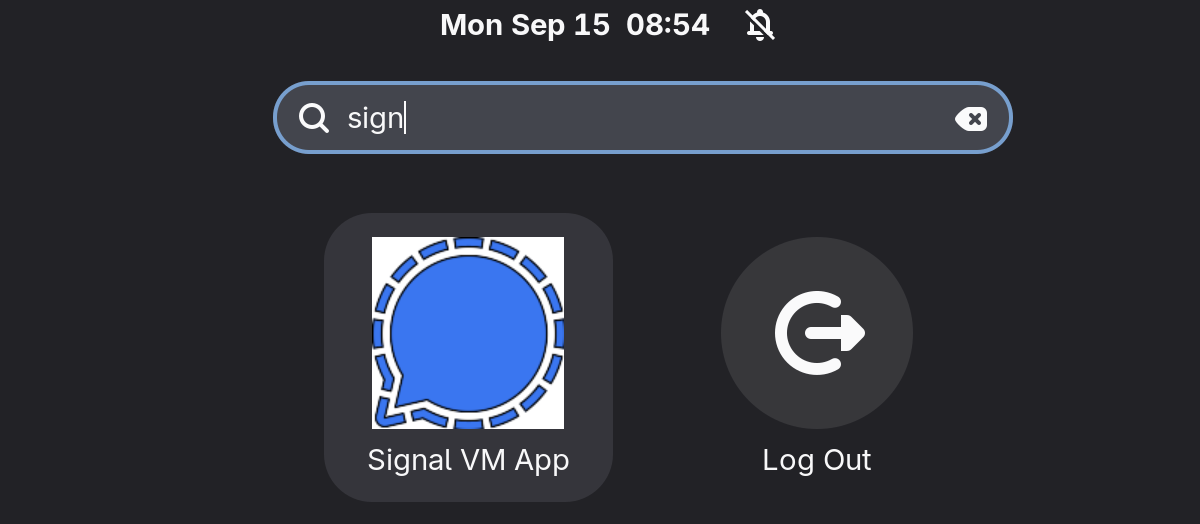
Step 11: Desktop Integration
Get an icon:
| |
Create a desktop entry at ~/.local/share/applications/userapp-signal.desktop:
| |
Install it:
| |
Gotchas
- I assume only one VM is running. If you run multiple VMs, the IP may change.
- Sound forwarding (
AUDIODEVICE) is not yet working for me, but the script is structured for consistency with other X11 applications. - I use Signal Desktop Beta as the app icon shows up in the tray. I have been unable to get the standard install to work and expose that.
- You could pick a weaker cipher for faster SSH connections with X11 Forwarding.
That’s it! You now have Signal Desktop running inside a Debian VM on OpenBSD, launched seamlessly from your desktop menu.